Every grant manager has experienced the intense effort needed to administer grant applications. It’s time consuming, and demands a lot of planning, applicant interaction, data management and application processing. The impact of a well designed grant application process saves valuable time. Plus, it has a real impact on experience for grant applicants and others involved in the process, like reviewers.
Getting the approach right at the beginning is critical to successfully streamlining your grant application administration. Luckily there are some simple ways that can save you as much as 60% of your time so you can focus your time and energy on what matters – doing more good!
1. Online forms
Banish the pdfs or MS Word applications in hardcopies.
Seems obvious but all too frequently organisations, small and large, use software like MS Word and PDFs or even hard copies for grant applications. This results in double handling data, introducing a lot of wasted time. With online forms you can better design applications with stages. You can save time in managing data and eliminate errors in transferring data to another system.
2. Collaborative Commenting
Eliminate high cost and high touch demands of email and phone calls.
Online forms that support commenting provide the ability for conversations on questions or clarifications.
Encouraging interactions between applicants, grant managers and even reviewers results in timely and effective support. Grant managers can use standard scripts to answer common questions and be more specific in ensuring their clarifications or additional information is relevant to the specific needs.
With online commenting the system captures the whole comment history for easy and quick review, for transparency purposes and assessing future improvements.
3. Data Validations
People make mistakes, let the system help avoid the easy ones.
Online forms can support a variety of validations to reduce errors in grant applications. Good application practice ensures use of mandatory fields. Applications can feature third-party embedded “lookups” for addresses or business registration numbers and other data, all in the official format needed to maintain good clean data.
4. Notifications and Alerts
Keep everyone informed and up-to-date.
A lot of correspondence involves common requests about application status, processes, deadlines and dates. Notify grant applicants on important program information, remind them to continue the application if they have not finished it and provide alerts prior to important dates.
Internally configure alerts to notify team members of applicants in process and comments needing responses. Add alerts to each step of the assessment process so reviewers are aware of their duties at the right time. Track to understand issues or bottlenecks to avoid delays.
It’s that Easy?
These 4 simply ways improve your grant application administration efforts but also importantly result in all parties being far more satisfied with the engagement and process.
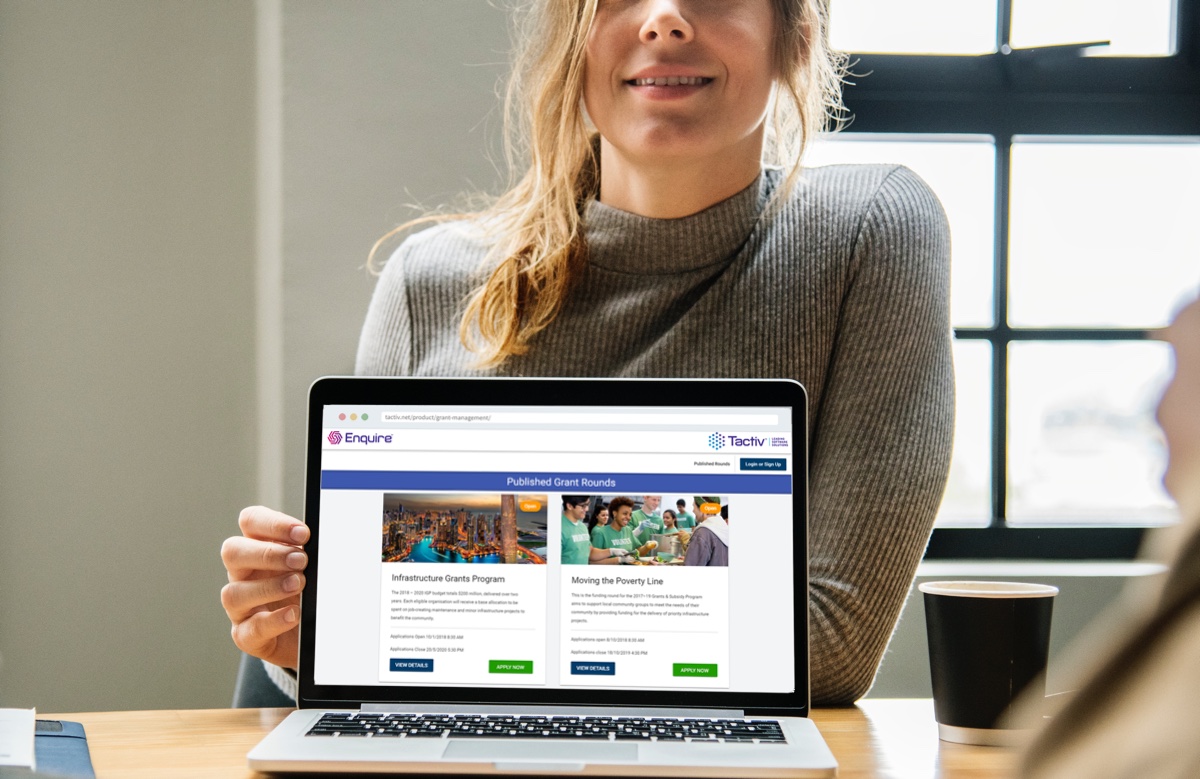
Your choice of a grant management system is at the centre of how you transform your grant application administration. At Tactiv our Client Portal offers clients a branded online presence where they can:
- Announce grant opportunities (publicly or to invitees only)
- Communicate important dates and program information
- Accept secure registration for grant seekers
- Publish online interactive applications that allows applicants to save progress and know what stage they are at
- Store and save grant applications in a central repository for single access for all parties
- Enable alerts and notifications for applicants, reviewers and other internal team members
Utilising Tactiv’s Client Portal grant managers benefit from a true end-to-end grant lifecycle that delivers significant savings, improves grant application administration and delivers a better experience for all parties. Contact Tactiv Client Services about improving your grant application administration with our Client Portal with our free trial.